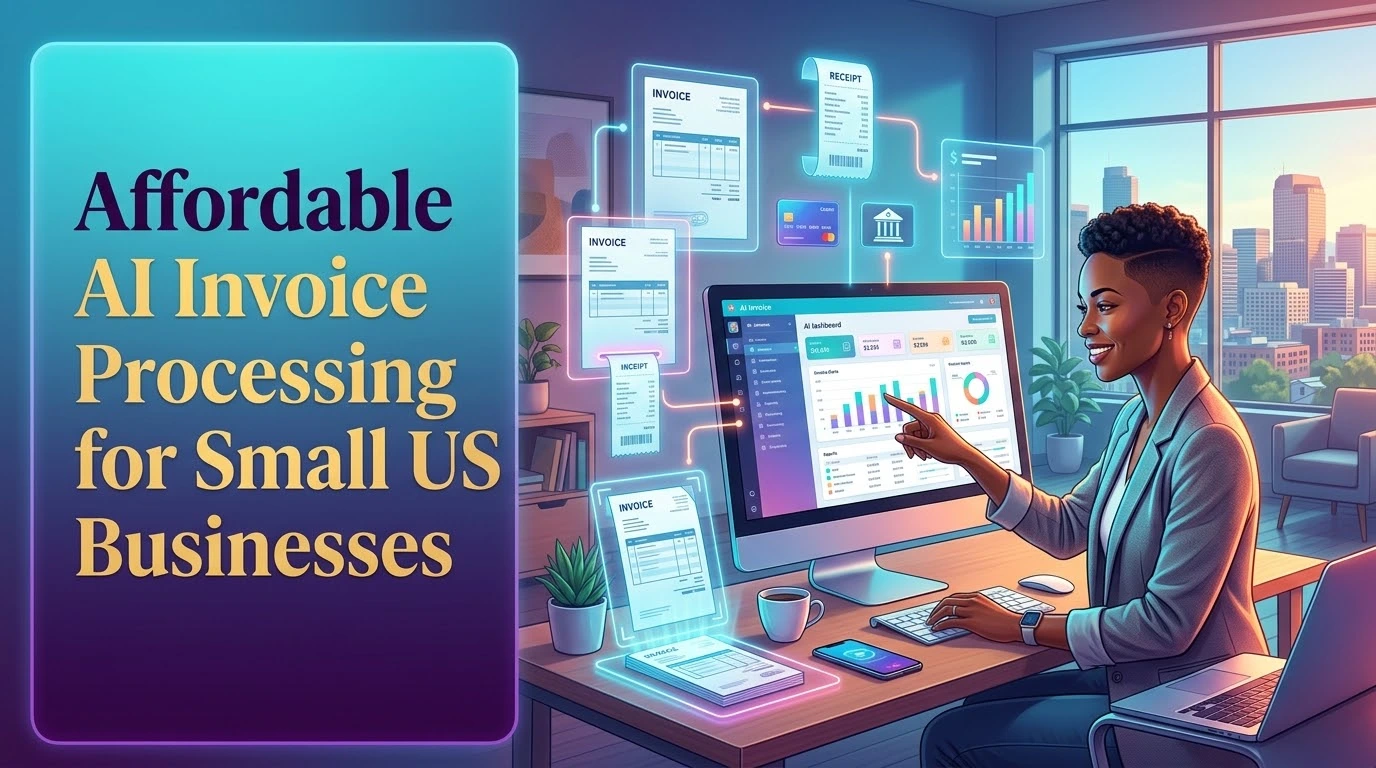
Invoices take time, especially when a small US business receives documents from different suppliers. Affordable AI invoice processing can help owners extract totals, identify due dates and organize records without adding another full-time employee.
What AI invoice processing does
Modern tools can read information from PDFs, scans and email attachments. They may extract the supplier name, invoice number, tax, total and payment deadline. A team member should still review the information before approving payment.
Why this matters to small companies
Late payments, duplicate invoices and manual data entry create unnecessary costs. A simple AI workflow can reduce repetitive typing and give owners a clearer view of upcoming obligations.
How to choose the right tool
- Check whether it supports your accounting software.
- Look for transparent pricing.
- Review data security and user permissions.
- Test its accuracy with real document formats.
- Make sure corrections are easy to make.
A safer implementation plan
Start with a small group of invoices. Compare the AI output with the original documents, create an approval rule and keep a human review step for tax, banking and supplier details. Automation should reduce risk, not hide it.
Conclusion
For a small US business, AI invoice processing can improve organization and save valuable administrative time. Begin with one repeatable task, measure the time saved and expand only after the process is reliable.
Next guide: Read the guide to AI tools for content creators.