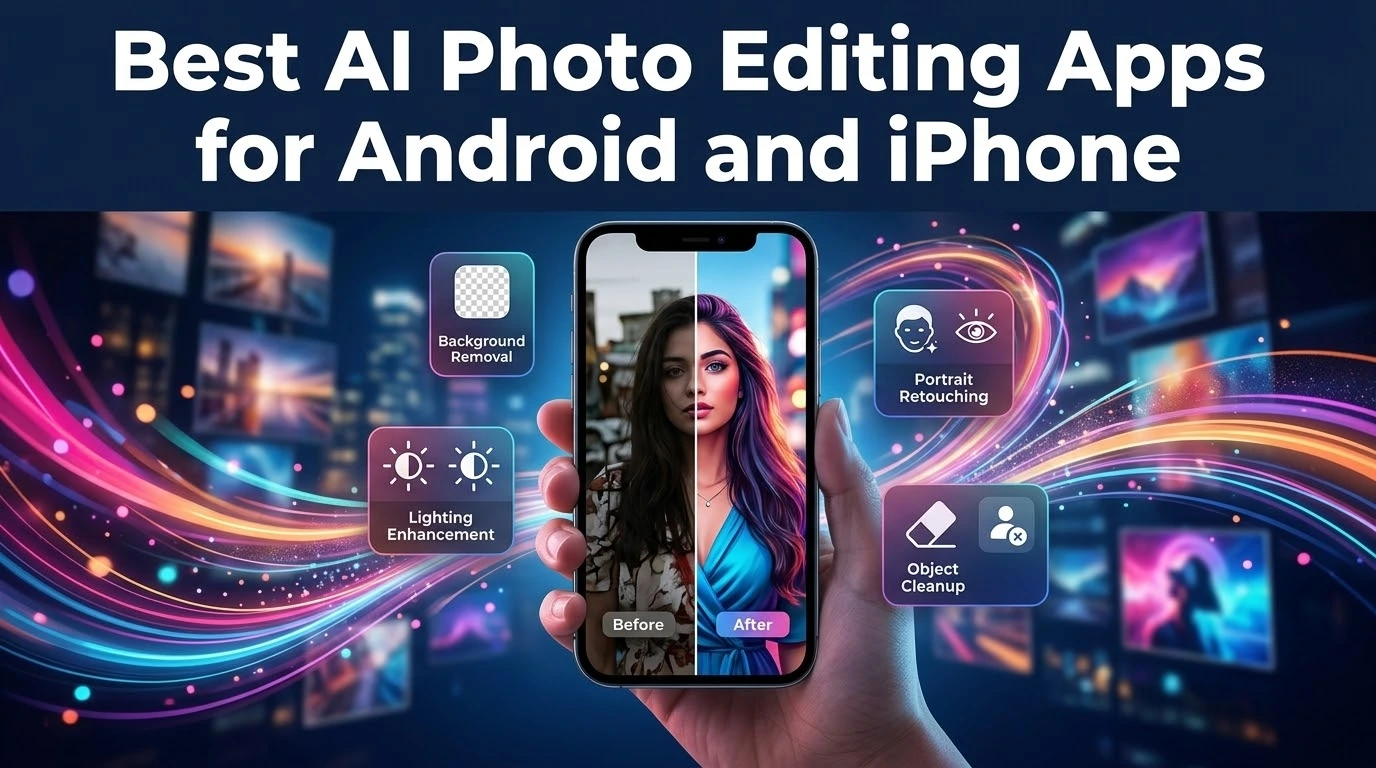
AI photo editing apps make it easier to improve images directly from a phone. They can remove distractions, enhance lighting and suggest creative adjustments, but good editing still begins with a clear original photo.
Useful mobile AI features
Look for background removal, object cleanup, portrait enhancement, automatic cropping and lighting correction. The best apps let users adjust the result instead of applying one permanent filter.
Natural results are better
Over-editing can make faces look unnatural and colours inaccurate. Compare the edited image with the original and reduce effects that distract from the subject.
Privacy and permissions
Before uploading personal photos, check whether processing happens on the device or in the cloud. Review app permissions and avoid granting access that is not needed for the editing feature.
Export quality
Creators should check image resolution, watermark rules and file formats. A free app may be useful for social posts but unsuitable for print or professional work.
Final thoughts
The right AI photo editor saves time while keeping creative control in the user’s hands. Test a few features, read the privacy terms and keep the original files safe.
For broader AI content workflows, also read AI tools for creating social media content faster.