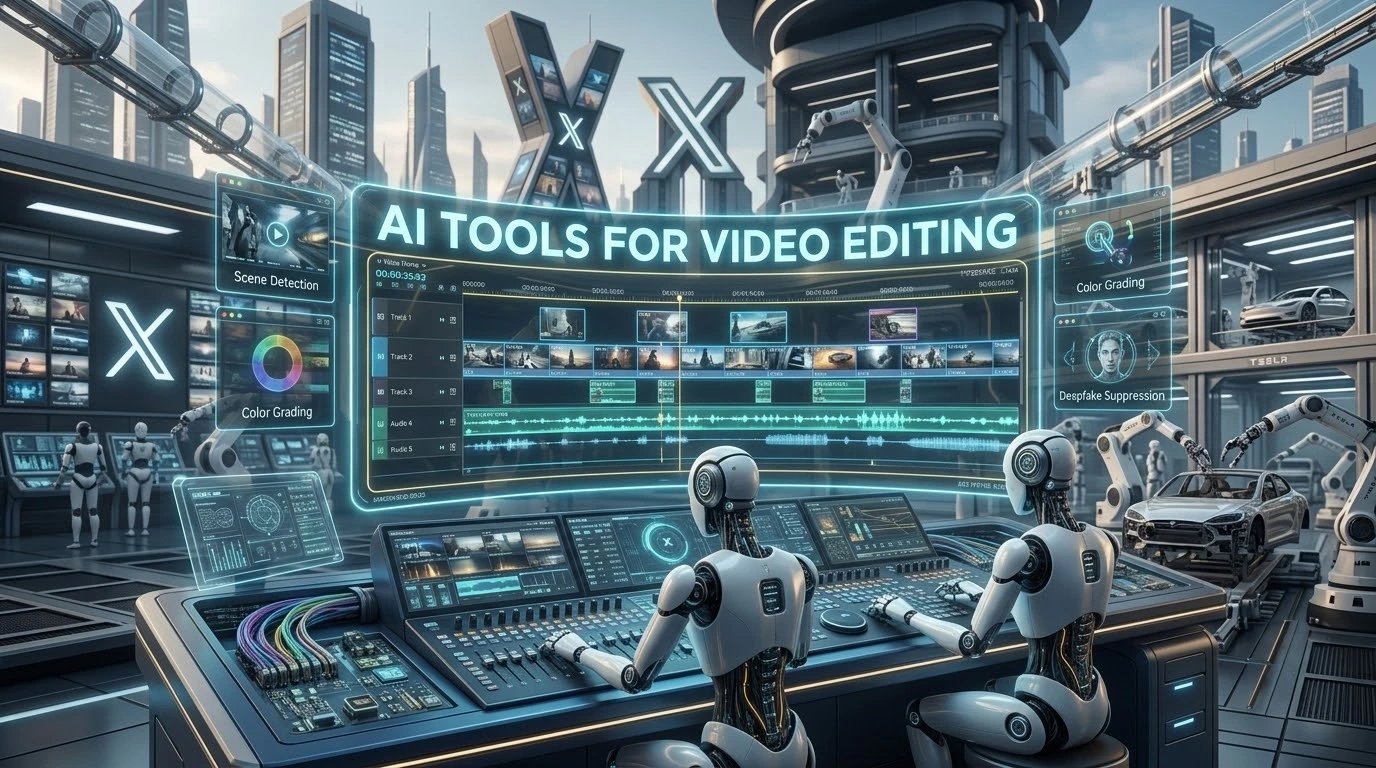
Video content dominates modern digital platforms, but traditional editing workflows often require hours of manual trimming, color grading, and audio cleaning. Choosing the **best AI tools for video editing in 2026** allows content creators, marketers, and filmmakers to automate repetitive tasks like filler word removal, caption generation, and scene detection while maintaining total creative control.
How Machine Intelligence Accelerates Video Post-Production
Modern editing software leverages automated algorithms to streamline time-consuming editing steps:
- Transcript-Based Editing: Editing video clips by simply modifying auto-generated text transcripts.
- Automated Re-Framing: Converting horizontal footage into vertical formats for social media channels automatically.
- Generative Visual Inserts: Creating realistic AI background visuals or B-roll directly from text prompts.
- Smart Audio Cleaning: Removing background noise, hums, and awkward pauses with a single click.
1. Descript: Best for Script-Based Editing and Podcasts
Descript revolutionized video editing by turning footage into a text document. Deleting a word from the auto-generated transcript instantly cuts that corresponding clip from the video timeline. It also features powerful filler-word removal to eliminate awkward “ums” and “ahs” automatically.
2. Runway Gen-3 / Gen-4: Best for Generative Effects and B-Roll
Runway remains the leading choice for high-end cinematic creators and filmmakers looking to generate hyper-realistic generative video segments, green screen removals, and visual effects directly within their workspace.
3. Opus Clip: Best for Short-Form Content Repurposing
Designed specifically for social media managers, Opus Clip analyzes long-form videos or podcasts and extracts the most engaging viral clips. It adds animated captions, dynamic framing, and hook scoring to maximize viewer retention.
4. CapCut Pro: Best All-In-One Mobile & Desktop Editor
CapCut continues to dominate casual and semi-professional video editing. Its automated features include background removal, auto-captions, voice-to-text transitions, and smart motion tracking.
Top Video Editing Platforms Breakdown
Here is a comparison of leading editing software tools:
| Tool Name | Primary Specialty | Target Audience | Pricing Model |
|---|---|---|---|
| Descript | Transcript-Based Editing | Podcasters & Presenters | Freemium / Paid |
| Runway | Generative Cinematic FX | Filmmakers & Artists | Freemium / Paid |
| Opus Clip | Short-Form Auto-Clips | Social Media Creators | Freemium / Paid |
| CapCut Pro | All-in-One Mobile/Desktop | Vloggers & Marketers | Freemium / Paid |
Frequently Asked Questions (FAQs)
Can absolute beginners use these tools effectively?
Yes, most modern editing suites offer simple interfaces requiring no technical experience. For a broader walkthrough, read our guide on which AI tool is best for beginners in 2026.
Are there budget-friendly tools available for general productivity?
Many video software tools offer free monthly credits. You can also review cost-free options in our guide on the best free AI tools in 2026.
How do video editing platforms compare to top-tier models?
While video editors focus on timeline management, general reasoning software powers different tasks. Learn more about general platforms in our list of what are the top 5 AI tools in 2026.
Final Thoughts
Selecting the right editor depends on your visual format—whether you need fast social media shorts, podcast editing, or high-end generative visual effects. Automating your editing pipeline saves time while maintaining high production quality.